
The difference between a casual fan and a true aficionado often lies in the quality of the match-day experience. While some settle for a cramped couch or a tilted neck, the dedicated supporter understands that the intensity of a 90-minute clash—plus potential stoppage time—demands a dedicated, optimized environment. Beyond just having a clear view of the action, creating a "Pro" viewing corner is about physiological sustainability. When you are fully immersed in a high-stakes fixture, the last thing you want is a creeping ache in your lower back or eye strain from improper glare. An ergonomic setup isn't just a luxury; it is the infrastructure for sustained focus, ensuring you remain comfortable and engaged from the opening whistle to the final goal celebration. In this guide, we will transform your living space into a high-performance sanctuary, designed to keep you at the heart of the action while maintaining peak physical comfort.

1. Master Your Sightlines: The Science of Screen Placement
Achieving professional-grade immersion starts with the physics of your viewing space. If your screen is too high, too far, or prone to environmental interference, you aren't just losing clarity—you are inviting physical discomfort that will diminish your enjoyment of the match.
Defining Your Optimal Viewing Distance
The goal of screen placement is to occupy the ideal field of view without forcing your eyes to constantly track across an oversized display. For a 4K UHD screen, a widely accepted standard is to sit at a distance roughly 1.2 to 1.5 times the diagonal length of your TV. For example, if you have a 65-inch screen, aim for a seating distance of approximately 6 to 8 feet. This distance allows your eyes to take in the tactical shape of the pitch without needing to turn your head, keeping your neck muscles neutral and relaxed during high-intensity end-to-end play.
Eliminating Glare and Reflections for Perfect Clarity
Glare is the arch-nemesis of a crisp viewing experience. It forces your eyes to work harder to distinguish details, leading to rapid onset of fatigue. To mitigate this, assess your light sources. Never place your seating area directly in front of a window, as the backlighting will cause eye strain. If reflections are unavoidable, use blackout curtains to maintain a controlled light environment. Furthermore, angling your screen slightly downward or using a matte-finish screen protector can significantly reduce disruptive reflections from ambient household lighting, ensuring the vibrant colors of the kit and the texture of the pitch remain vivid throughout the entire match.
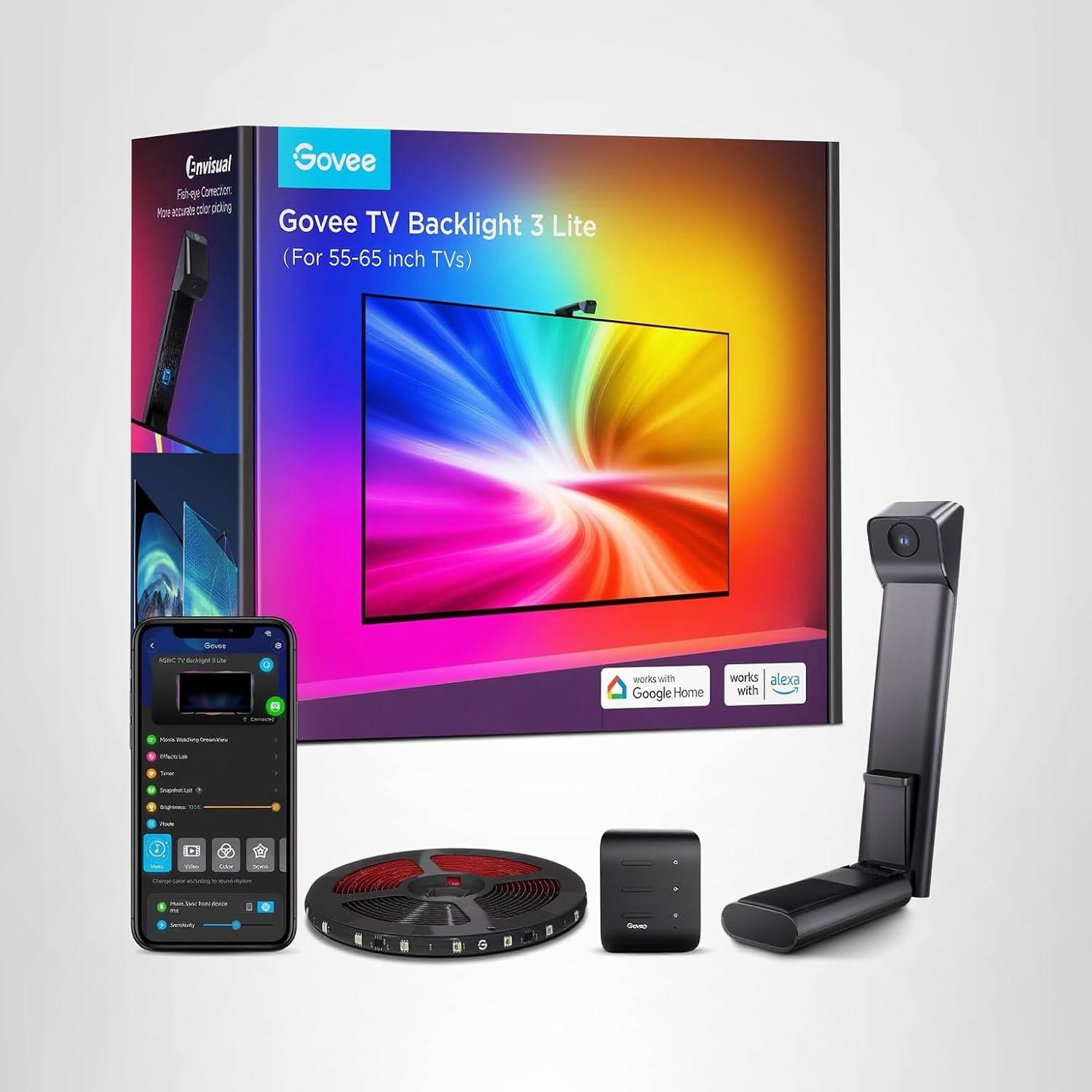
2. Ergonomic Comfort: Preventing "Match-Day Fatigue"
If your viewing corner isn't built for support, your body will let you know long before the final whistle. Ergonomics is the art of fitting the environment to the user, and for a 90-minute match, this is non-negotiable.
Lumbar Support and Posture Management
The most common mistake fans make is sinking into a "bucket" style sofa that offers zero lower-back support. Over 90 minutes, this causes your spine to round, leading to muscle strain. To achieve a "Pro" setup, look for seating with firm, contoured lumbar support. If you already have a favorite couch, don’t hesitate to use a dedicated lumbar pillow to maintain the natural inward curve of your lower back. Your goal should be to keep your hips slightly higher than your knees; this promotes better circulation and prevents that "stiff-legged" feeling when you finally stand up to celebrate a goal.

The "Pro" Arrangement: Where to Place Your Drinks and Gear
Accessibility is a core tenet of ergonomics. You shouldn't have to reach awkwardly or twist your torso to grab your beverage or your phone. Ideally, your "Pro" corner should include a side table positioned at elbow height—not knee height. This allows you to set down your drink or snacks without breaking your viewing posture.
3. Immersive Tech: Elevating the Audio-Visual Experience

Beyond the Built-in Speakers: Soundbar vs. Surround Sound
Built-in television speakers are rarely engineered for depth. For a true "Pro" setup, a dedicated soundbar with a wireless subwoofer is the minimum standard. It adds the low-frequency rumble of the stadium atmosphere and the crisp clarity of the commentator's analysis. If you want true 360-degree immersion, a surround sound system places you in the middle of the "stands."

4. The Final Whistle: Why Your Setup Matters
Building a "Pro" Viewing Corner is more than just an aesthetic upgrade; it is an investment in your well-being and your passion for the game. By fine-tuning your screen distance, ensuring proper spinal alignment, and creating an immersive sensory environment, you transform every match into a premium experience. You’ll find that when you remove the physical distractions of discomfort and glare, your ability to enjoy the tactical nuances and the raw emotion of the sport reaches a new, professional level.
What is the one "Pro" adjustment you’ve made to your setup that changed your viewing experience forever? Share your photos with us using #JoyCraftedViewing on Instagram, and don't forget to check our recommended gear list above to get your corner ready for the next big match!
Loved this guide? Don't forget to pin it to your Home Theater or DIY Living boards on Pinterest! Stay comfortable, stay focused, and enjoy the game! ⚽📺✨